
Solo karaoke with Apple Music: what you need and three tips

To start solo karaoke with Apple Music songs you need an Apple Music subscription, an app that shows the lyrics, and a little adjustment. Here is what to prepare for comfortable singing at home, and three places where people tend to get stuck.
What do I need?
- An Apple Music subscription. It is used to search for and play songs.
- An iPhone, iPad, Mac or Apple TV. This is the screen that shows the lyrics.
- Hitokara. It shows word-by-word highlighted lyrics and furigana for the song that is playing.
- Speakers or earphones, as you like. Pick whatever makes singing comfortable.

Tip 1: fix earphone delay with a global offset
Bluetooth earphones play sound slightly late. Because this delay affects every song, do not fix it song by song; set it once as a global offset with “Earphone / speaker delay” under “Sync” in settings.
Tip 2: for a big screen, combine Apple TV and iPhone
Install Hitokara on Apple TV and a 4-digit connection code appears on screen. Enter it on an iPhone on the same Wi-Fi and you can request songs from the iPhone while the lyrics appear on the big screen. It also works for taking turns with friends.
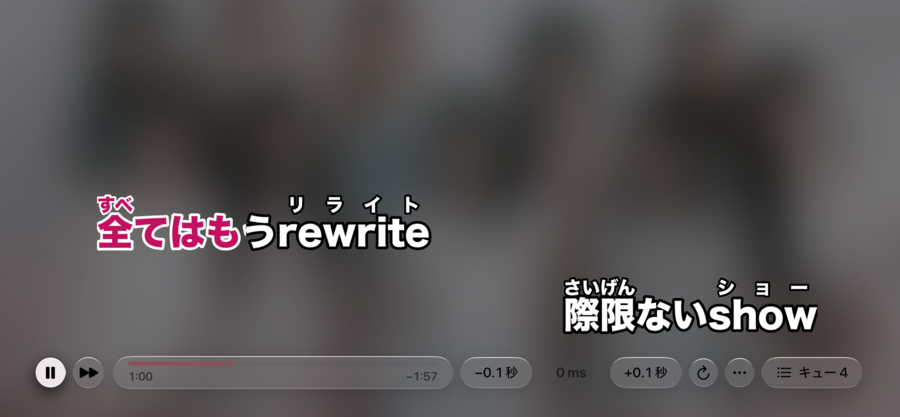
Tip 3: nudge a song that drifts, 0.1 second at a time
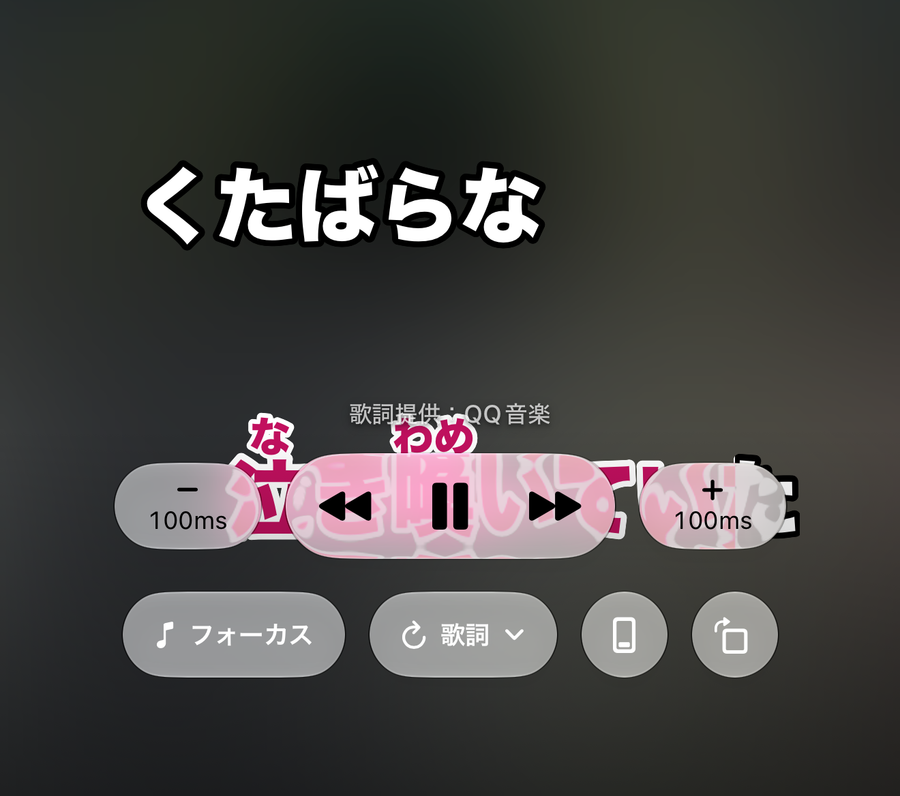
If the version of a song that is streamed differs slightly from the lyrics data, one song can drift while the others stay in sync. On the singing screen, press − or + to move the lyrics earlier or later by 0.1 second. The adjustment is saved per song, so it is still there the next time you sing it.
What about kanji I cannot read?
Turn furigana on and the reading appears above each kanji. You can show romaji instead of furigana, and English, Korean and Chinese lyrics get katakana readings.

Related reading: fixing out-of-sync lyrics; karaoke at home with Apple TV and iPhone.