
How to show lyrics on the iPhone Lock Screen and Dynamic Island (Live Activities)

A Live Activity is an iPhone feature that shows real-time information on the Lock Screen and in the Dynamic Island. In Hitokara it can show the lyric you are singing right now, which is handy when you want to glance at the screen or check lyrics while using another app.
How do I show it?
With a song playing in the Music app, start the Live Activity from Hitokara’s lyrics screen. Once started, the current lyric appears on the Lock Screen and in the Dynamic Island and advances with the song.
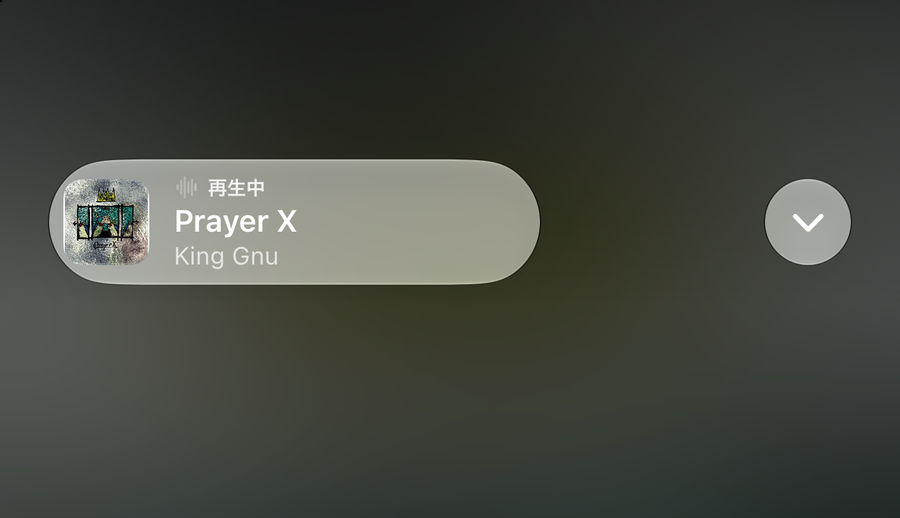
Do lyrics keep advancing with the app closed?
While the app is open, Live Activity updates work normally. When an app moves to the background, however, iOS can limit updates. With Premium’s “Keep updating lyrics in the background” turned on, Hitokara plays silent audio only while the Live Activity is showing, which keeps the app running. It does not use the microphone and does not record.

What if lyrics stop advancing?
Check the following.
- Has the Live Activity been started?
- Are Live Activities allowed for Hitokara in the iPhone’s Settings?
- Is “Keep updating lyrics in the background” turned on in Hitokara’s settings? Updates while the app is closed are a Premium feature.

How is it different from a widget?
A widget sits on the Home Screen or Lock Screen and refreshes at set times. A Live Activity is shown only while a song is playing and updates more often. Hitokara offers widgets in small, medium and large sizes for free.
Related reading: solo karaoke with Apple Music; fixing out-of-sync lyrics.