
What is the wipe effect in karaoke? How word-by-word lyric highlighting works

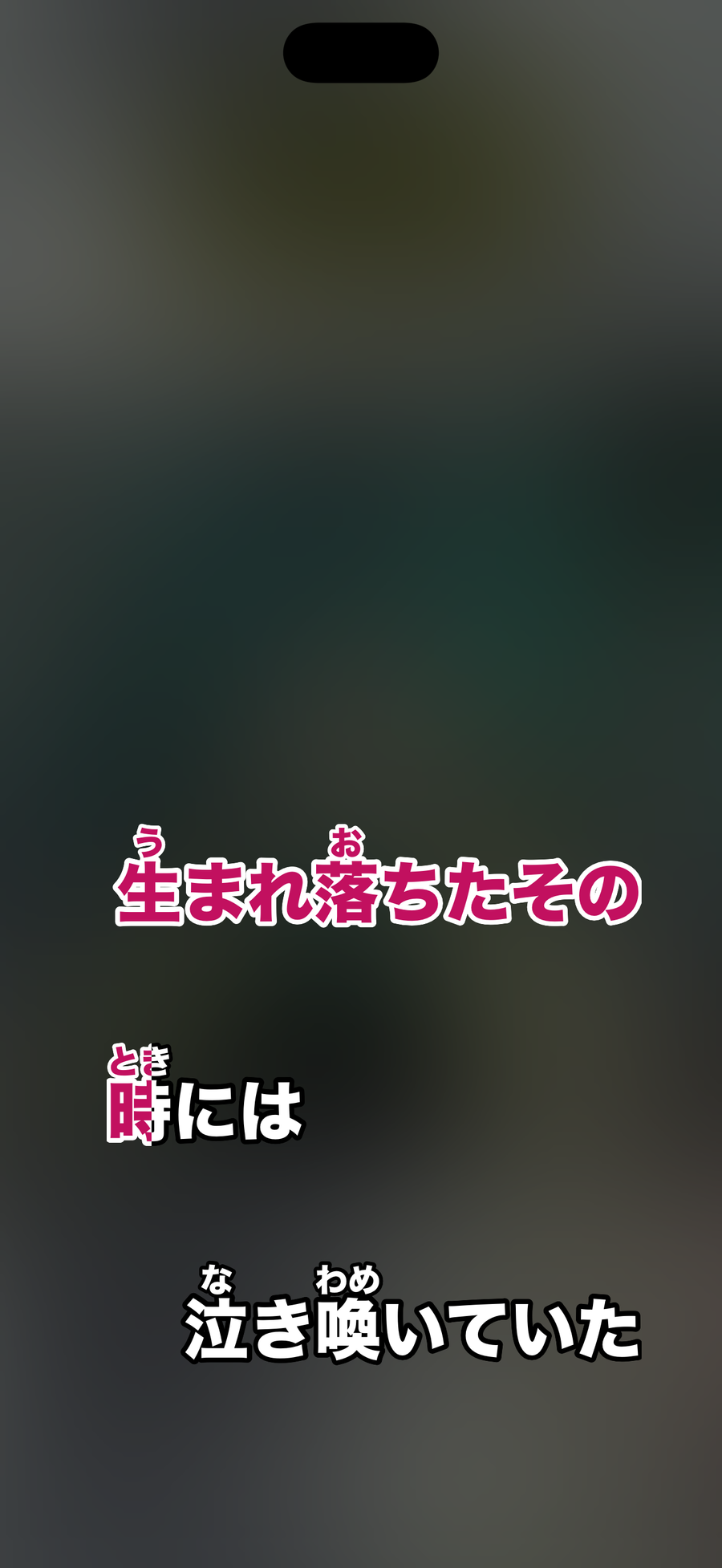
Word-by-word highlighting, also called a wipe, is a display where lyrics change color one character at a time following the playback position. It works because each character in the lyrics carries a time for when singing starts and ends, and the display compares those times with the playback position to decide how far the color has advanced.
What is lyric timing data?
Lyric data comes in different levels of detail.
- Per line. You only know when each line starts, so the display switches line by line.
- Per word or per character. Each character has a start and end time. Word-by-word highlighting needs this level.
Lyrics without character-level timing can only be shown line by line.
How does the app know the playback position?
Hitokara reads the position of the song playing in the Music app. That reading happens at intervals, so using it directly would make the color advance in jerks. Between readings, the app estimates the position from the elapsed time so the color moves smoothly.

Why does the color fill in smoothly?
Within a single character, the app computes how far along it is (0 to 100 percent) and paints only that fraction. That is why a character can look half filled.
Why do lyrics drift?
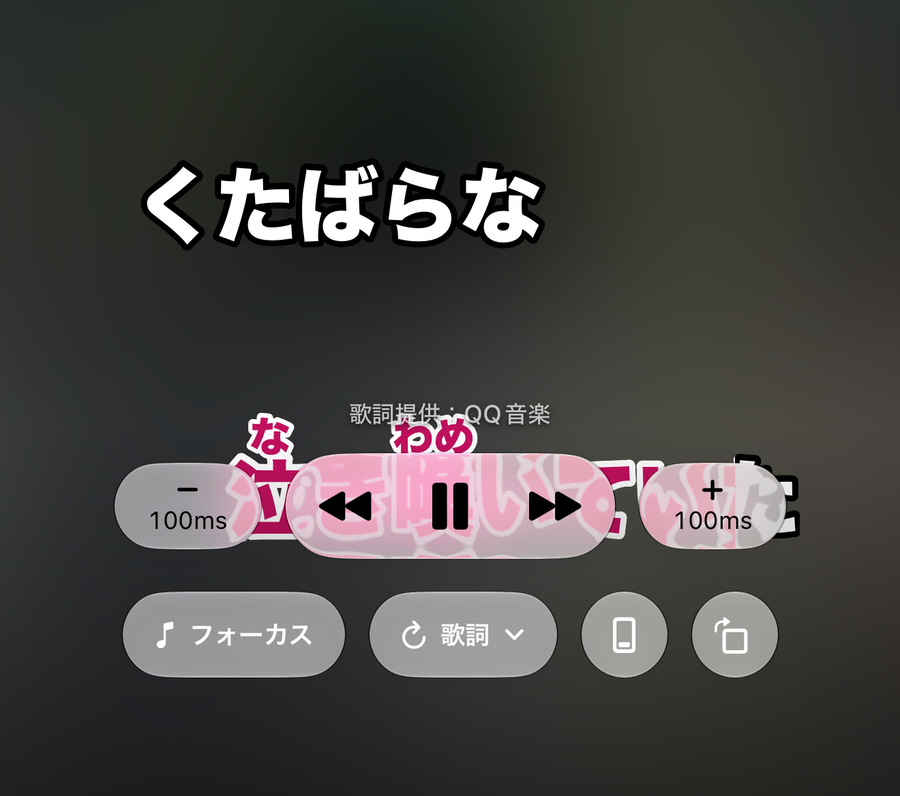
- Bluetooth earphone delay. Sound reaches your ears late, so the lyrics seem to run ahead of the song. A global offset fixes it.
- Differences in the lyric data. If the song version and the lyric source differ slightly, a drift appears. Adjust it per song in 0.1-second steps.
What is paging in KTV style?
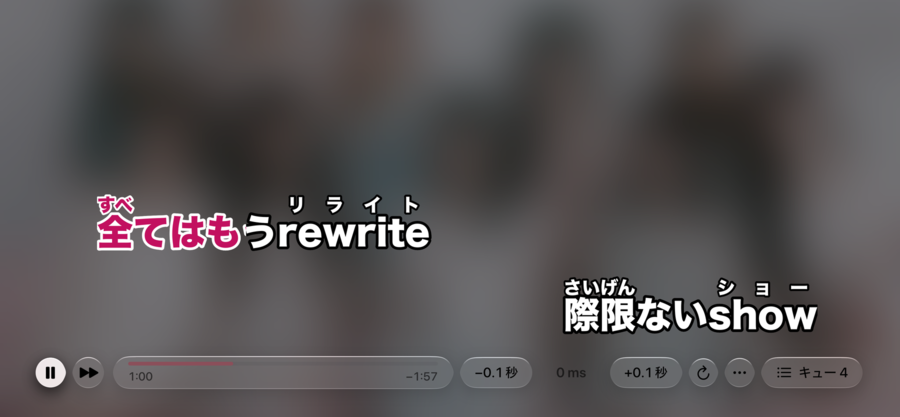
KTV style shows a few lines at a time as a page. As the line you are singing finishes, the next page’s lines appear in turn, so you can read ahead to what comes next.
Related reading: fixing out-of-sync lyrics; karaoke terms explained.